
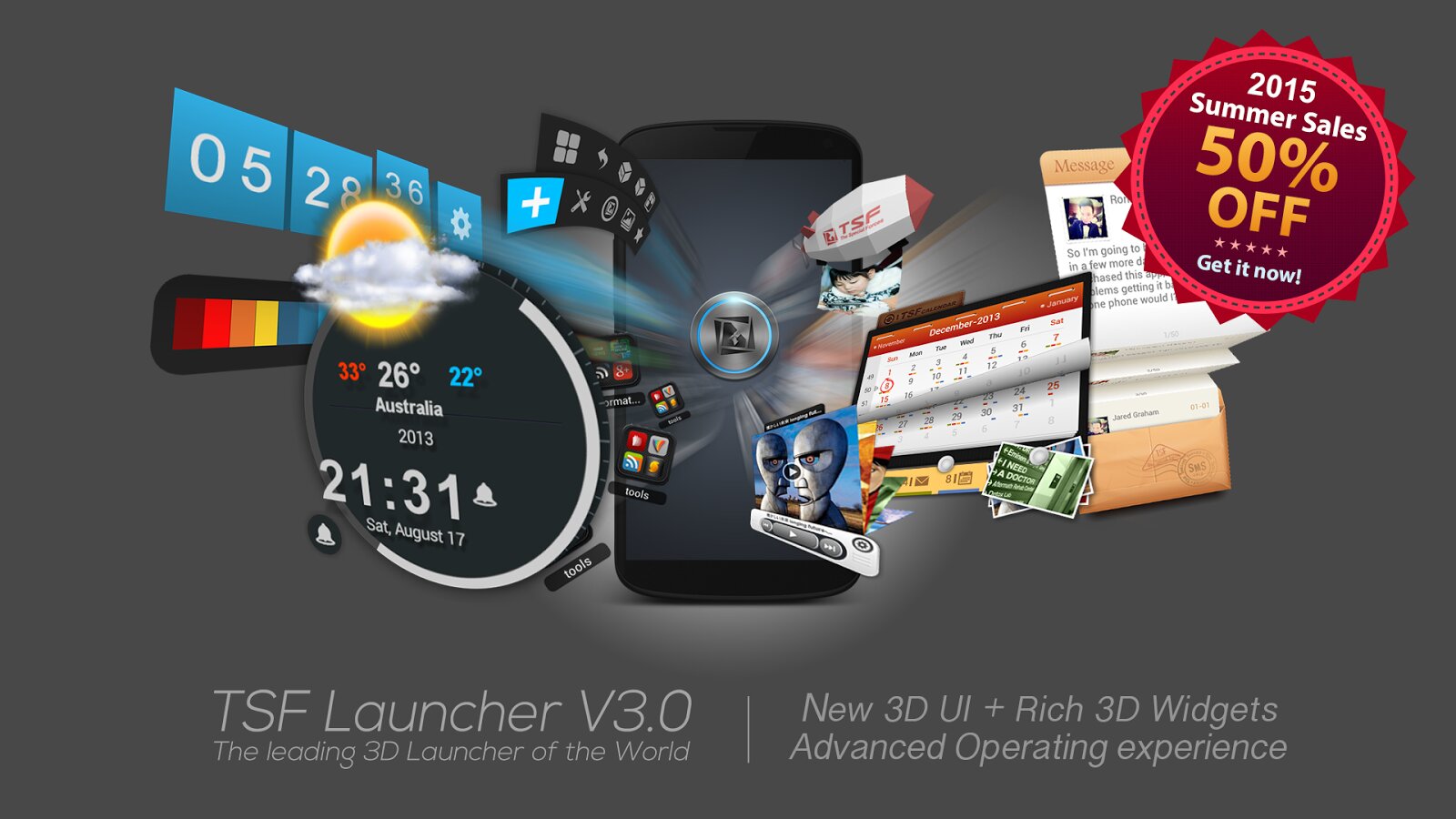
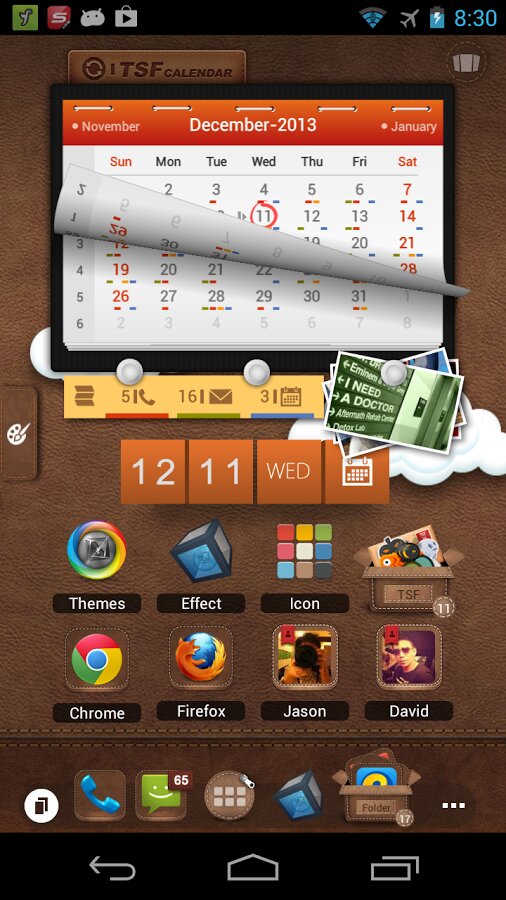
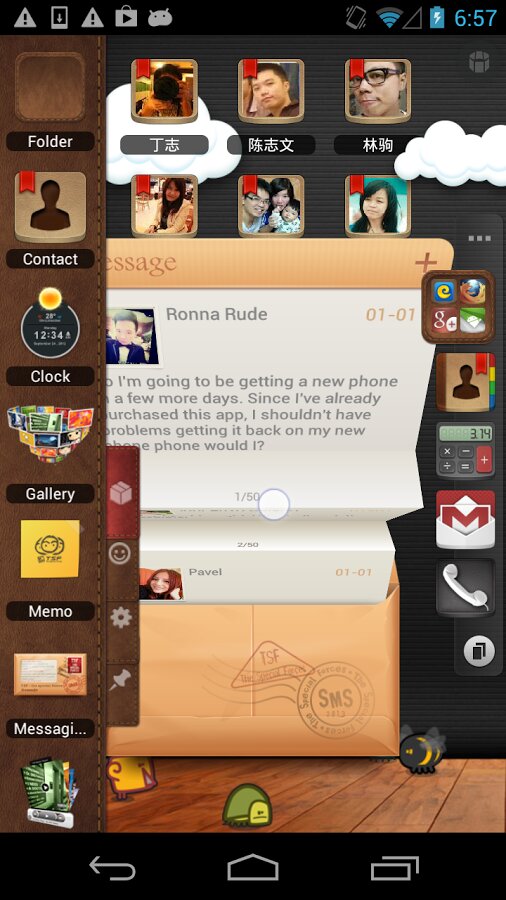
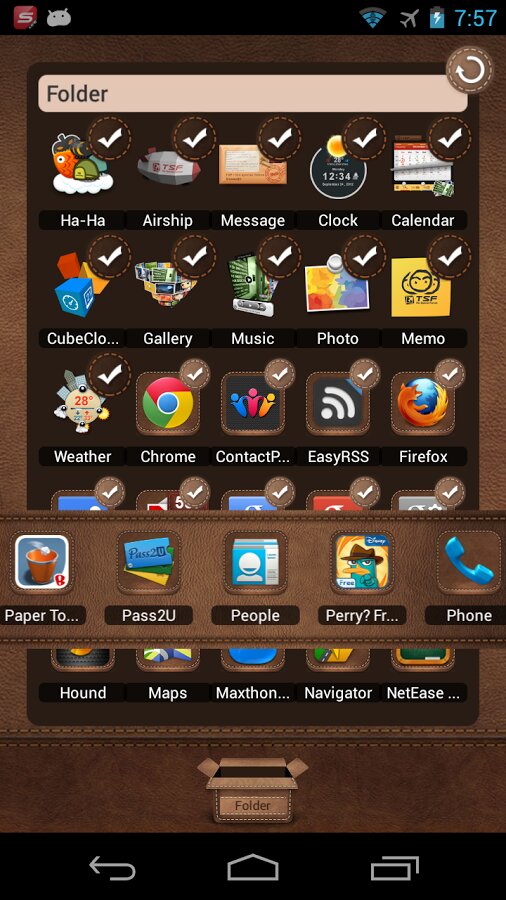
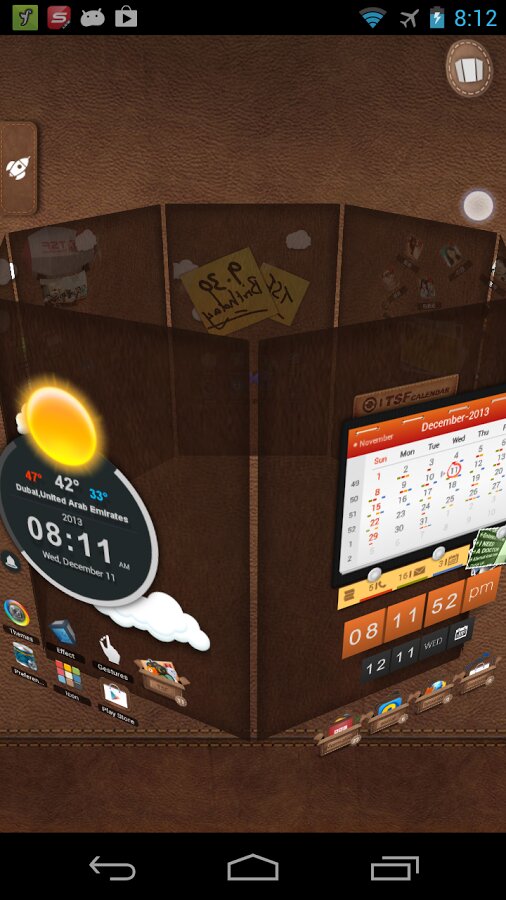
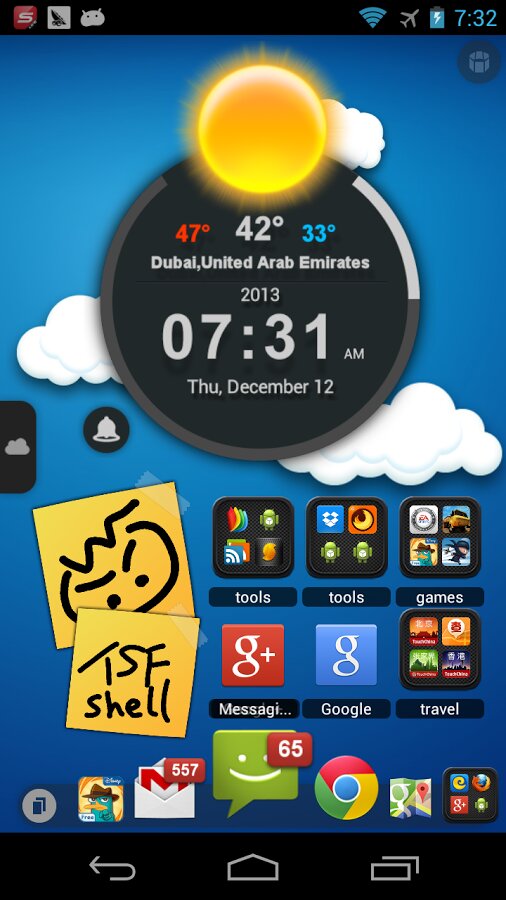
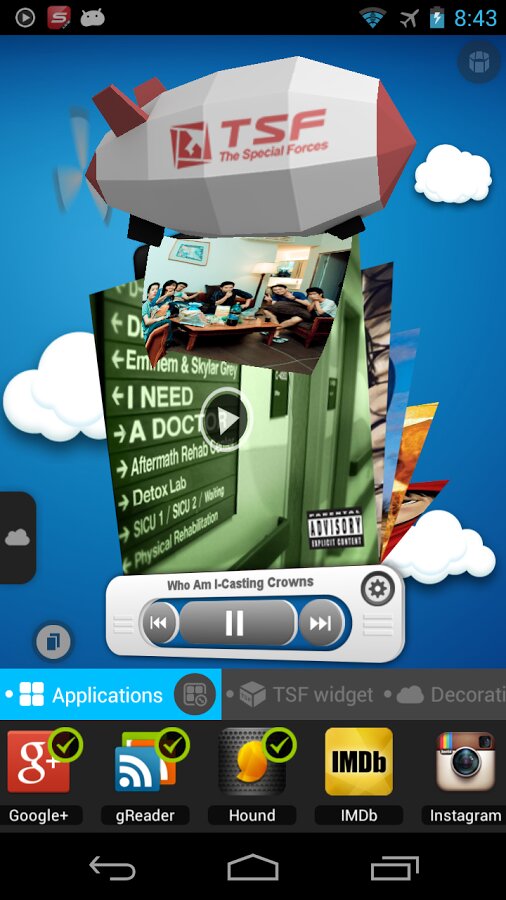
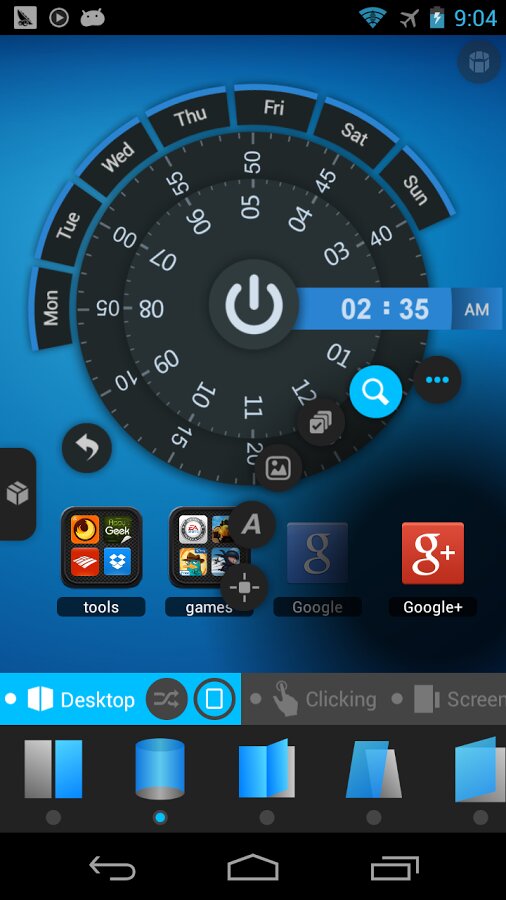
TSF Shell Pro 3D — интерфейс обновленной операционной системы. Позволяет в полной мере свободно располагать виджеты по желанию. Скажите «до свидания» обычной операционной системе. 3D-виджеты, анимация, мультитач вращение, жесты.
Обновлено: .
Рейтинг 4.3 на основе 49 оценок.

Fix: Some crash issue
New Floating Button Settings
Fixed: Expand notification issue on Android5.0(Lollipop)
Fixed: Other Known bugs and crash errors
New Free Theme(Cartoon Theme)
Fixed known bugs
New Mark Effect Settings(Mark new installed apps with a new icon in the drawer)
Fixed known bugs
Fixed known bugs in app drawer
Fixed other known bugs
New Icon Menu Settings
Fixed the freezing and not responding issue
Fixed the backup and restore issue
Fixed the issue with the Toggle download
Fixed freezing issue of adding system widgets in Galaxy Note4
Fixed other known bugs
New Desktop Effect
Automatic Classification
New Icon Lable Style
New Themes
Improvement and fixed
Fixed freezing issue of adding system widgets in Galaxy S5
Fixed power consumption issue
Fixed wallpaper can not be centered in some devices
Fixed other known bugs
Fix Living Wallpaper scrollable issue
Fix SideMenu gesture issue
1. New SideMenu
2. Fixed other known bugs.
— Fixed GPS issue(for weather location)
— Fixed crash bugs
— Fixed other bugs
— Fixed crash bugs
— Everything Has Changed
Перевод не точный!!!
1.Added 16 toggles,including Screenlock,GPS,Flash Light and more
2.Brand new Desktop scaling interface
3.Added gesture for Dock and Sliding dock toggle
4.Fixed the restoring issue, be able to restore the previous TSF Shell configuration backup
5.Fixed most of the crashing issue
6.Sliding Dock will be hidden automatically on some specific interface
Перевод:
1. Новый настраиваемый интерфейс дока, можно менять стиль дока по мере необходимости.
2. Новая анимация удаления значка (взрыв).
3. Боковой выдвижной док вернулся.
4. Новый настраиваемый интерфейс меню приложений, добавлена функция скрытия меню действий.
5. В Умную кнопку теперь можно добавить несколько переключателей.
6. Быстрый вход в режим редактирования элемента рабочего стола путем долгого тапа по элементу; кнопки Страница и Удалить приблизятся к нему автоматически.
7. Исправлены ошибки.